Start with what you actually charge
Before choosing a dock, list the devices that regularly need power at your desk. A phone and earbuds may need a small landing spot; a laptop, tablet, watch and accessories create a different problem. Note which devices you use while they charge and which can sit undisturbed. A phone used for calls, for example, needs a position you can reach without pulling its cable across your work.
Also notice when charging happens. If several devices arrive at your desk at once, each needs a convenient place. If you charge one device at a time, an elaborate station may occupy more space than it saves. The aim is not to hide every cord. It is to make connecting and collecting devices simple enough that the setup survives an ordinary workday.
What a dock does well
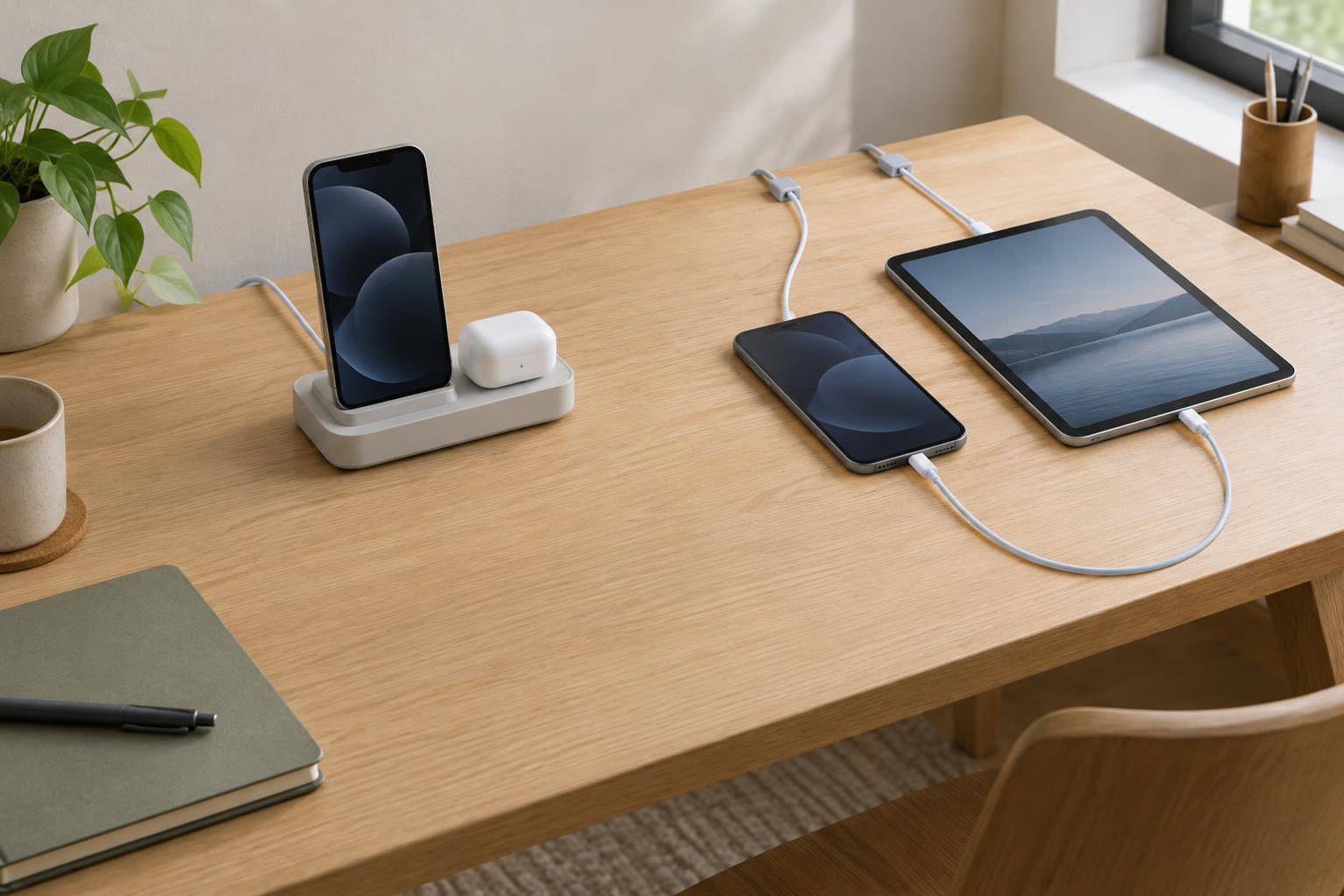
A dock gives devices a defined home. It can keep a phone upright, bring charging connections to the front of the desk and reduce the number of cable ends you have to find. Some docks combine several charging positions, while others are simply stands that hold your existing cables in place. That difference matters: a stand may offer the same tidier routine without committing you to built-in connectors.
The trade-off is fit. Check the charging method and connector for every device you intend to use, including how a case affects placement. Think about whether you need to see a screen or pick up a device frequently. A fixed arrangement that looks neat when empty can become awkward if one item blocks another or must be removed to use it. Built-in charging hardware may also be less useful if your devices change.
Why loose cables can be the better choice
Loose cables are flexible. You can move a device to either side of the desk, replace one cable without replacing a whole station and accommodate an unfamiliar device when needed. This is especially useful on a shared desk or a workspace that changes between writing, drawing and video calls. A cable does not need a permanent footprint when it is not in use.
The downside is drift. Unanchored ends slip behind the desk, extra length gathers around a keyboard and similar-looking connectors become hard to identify. Small changes can address those annoyances: route cables along the rear edge, keep only the length needed on the work surface and use removable clips to hold the ends where your hand naturally reaches. A shallow tray can provide a landing place for devices without dictating how they charge.
Build the setup around movement and space
Choose a location by following your normal hand movements. Charging points near the front edge are easy to reach but can crowd your writing area. A spot beside a monitor may clear the desk yet require you to lean around other objects. Try the position with your devices and cables for a few days before attaching organizers more permanently. Leave enough slack to pick up a phone without dragging its charger or neighboring devices.
Keep power connections accessible rather than burying them under papers or behind tightly packed objects. Follow the instructions for your devices and chargers, including any guidance on airflow and suitable charging accessories. Avoid sharply bending cables at plugs or pinching them under furniture. These considerations apply whether the visible part of your setup is a polished dock or a few carefully routed cords.
Choose a system you can maintain
A useful middle ground is a simple stand or tray paired with separate cables. It gives devices a consistent place to land while letting you change a cable when your needs change. Another option is to reserve a dock for the devices you charge every day and keep one accessible spare cable for occasional items. Neither approach requires every device to fit into one accessory.
Once the layout is in place, remove cables you no longer use and return wandering ends to their clips or holders. If you repeatedly unplug a dock to reach something else, or leave devices beside it rather than on it, treat that as feedback. The best desk charging system is the one that makes the next charge easy, keeps the working area usable and can adapt without a complete rebuild.