Give the board a specific job
A desktop whiteboard is most useful when it holds information that will soon change or disappear. That might be a short list of tasks for the day, a number you need during a call, or the next step in a project. It is less suitable for information you must preserve. Before choosing one, decide what you would write on it most often and when you would erase those notes. That answer will help you judge how much writing space you need.
Try giving the board one main role rather than letting it become a place for every loose thought. For example, you could reserve it for the three things you want to address next, while keeping appointments in a calendar and lasting ideas in a notebook. If you are working on a study routine, Study Skills · Growing Independence offers a place to browse related ideas; the board itself can serve as a visible space for the next small step.
Match the shape to your desk
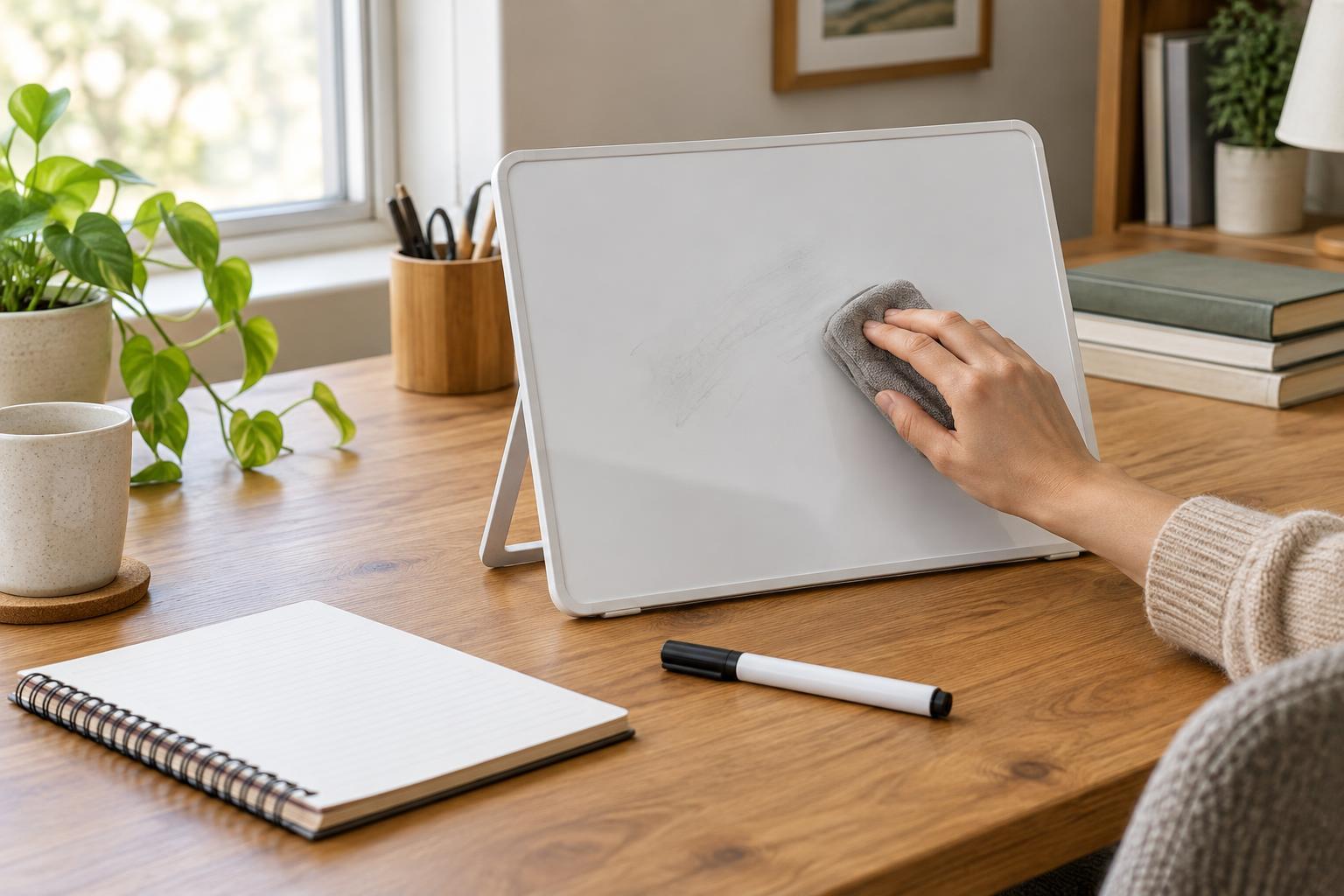
Desktop whiteboards come in upright and angled forms, as well as flat boards that can sit beside a keyboard. An upright board may be easier to glance at, but it occupies visual space and needs a stable base. A low, angled board is convenient for writing while seated, though it can compete with your keyboard or papers for room. A flat board can move out of the way when you need the full work surface. Consider how you will write on it, not just how it looks when empty.
Measure the available area before choosing a size. Leave room for the hand that will write, the marker, and an eraser or cloth; a board that technically fits may still feel awkward to use. If your desk is shallow, think about whether an upright board would sit behind your work rather than in front of it. Check that its base does not rock when you write. For a portable setup, consider how easily you can lift and store the board at the end of a session.
Pay attention to the writing experience
A smooth writing surface and a marker that is easy to read matter more than extra compartments or decorative features. If possible, choose a board with enough contrast for the lighting at your desk, and make sure you can erase a test mark cleanly. Some surfaces may retain faint marks over time, especially if writing is left in place for long periods. Following the board and marker makers’ cleaning guidance is a sensible starting point; avoid assuming that a stronger cleaner will be better.
Think about where the marker will live when it is not in your hand. A holder is helpful only if it keeps the marker from rolling away without obstructing the writing area. A small cloth stored nearby may be more practical than an eraser that takes up a large part of the board. If several people will use it, agree on a simple convention, such as dating notes that should be cleared after a handoff. For more ideas about sharing information and responsibilities, you can browse Communication and Community · Growing Independence.
Build an erase-and-review habit
A whiteboard’s advantage is that changing a note takes little effort. Its drawback is that old writing can blend into the background. At the start of a work session, read what is already there and decide what still matters. Move anything that must be kept into a more durable place before erasing it. Then write only what is useful for the current session, leaving enough blank space for an unexpected reminder or calculation.
At the end of the session, take a few seconds to clear completed items and decide where unfinished ones belong. You do not need a complicated system: a board marked “Now,” “Waiting,” and “Later” may be enough, provided “Later” does not become permanent storage. If the board stays full for days, that is a cue to narrow its job or use a larger planning tool. The best desktop whiteboard is not necessarily the one with the most space; it is the one you can read, update, and reset without interrupting your work.