Start with the space you actually use
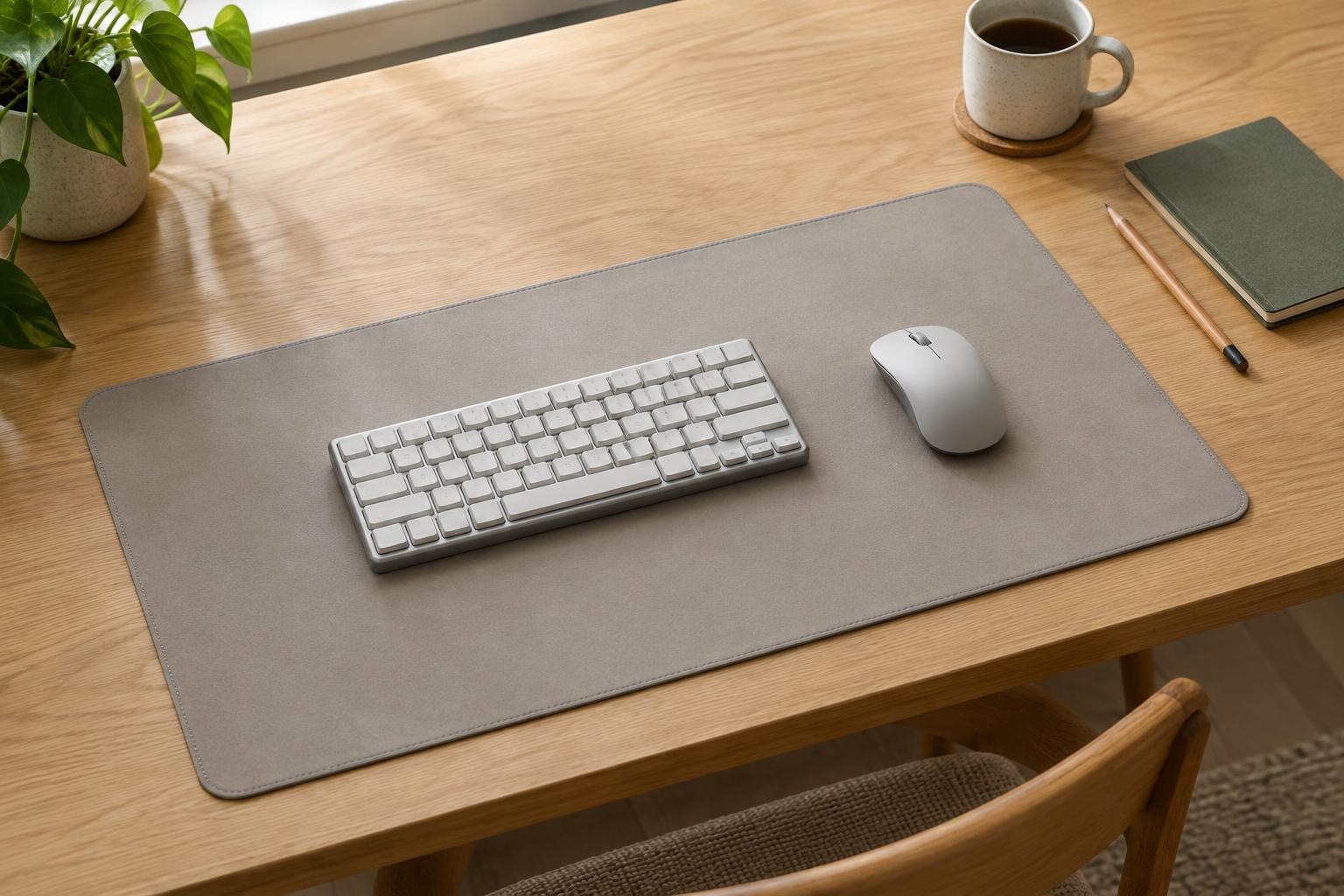
A desk mat does not need to cover your entire desk. Its useful size depends on where your keyboard sits, how far your mouse travels, and which parts of the work surface you want to keep clear. Before looking at mat dimensions, arrange your desk as you normally use it. Put your keyboard, mouse, monitor, notebook, and any frequently used accessories in their usual positions.
Measure the open width available for the mat, then measure from the front edge of the desk to the nearest object behind the keyboard. A monitor base, laptop stand, or cable opening may limit the usable depth. Also notice drawers, desk edges, and places where you rest your forearms. The widest mat that fits on paper may still feel crowded if it blocks a notebook or extends into an area you prefer to leave uncovered.
Build the width around your keyboard and mouse
Measure your keyboard from its left edge to its right edge rather than relying on labels such as compact or full-size. Add the width of the mouse area you want beside it. That area should include space for your usual movements, not just the width of the mouse itself. If you use broad arm movements, leave more room than you would for small wrist movements.
For a quick layout test, place the keyboard where it feels comfortable and mark the intended mat edges with removable tape or sheets of paper. Move the mouse through a normal work session’s range, including any gestures you use in games or creative software. If the mouse reaches the proposed edge, widen the mat or shift the keyboard. Leave a little margin at the outer edges so the setup does not require perfect placement every time you sit down.
A shared mat is not always necessary. If your keyboard and mouse sit far apart, or you often move the keyboard to make room for paperwork, a smaller mouse mat may be more flexible than one large desk mat.
Choose a depth that supports your layout
Depth determines whether the mat sits only beneath your devices or also covers the area in front of them. A shallower mat can keep the desk visually open and leave space behind the keyboard for a monitor stand or small objects. A deeper mat may provide a consistent surface under your hands and forearms, but only if it fits without bunching against equipment at the back of the desk.
Check where the front edge would land. Some people prefer the mat close to the desk edge; others want a strip of bare desktop where their arms rest. Neither arrangement is universally better. Mock up both positions and type for a few minutes. Pay attention to whether the keyboard ends up too far from you and whether you can still reach items behind it comfortably. If you frequently write by hand, check that the mat leaves a convenient spot for your notebook, whether on or off the mat.
Account for the desk’s shape and nearby objects
A rectangular mat is easiest to size on a clear, straight-edged desk. On a narrow desk, a corner workstation, or a surface with rounded edges, its corners may overhang even when the stated width and depth appear to fit. Measure the usable area at both the front and back of the proposed position, especially if the desk tapers or sits against a wall at an angle.
Think about objects that move during the day. A charging cable, desk lamp, cup, or open notebook can compete for the same space as a large mat. If the mat will sit under a keyboard tray accessory or beside a laptop, check the footprint with those items in place. A little visible desktop around the mat can make it easier to reposition things without lifting the whole setup.
Make a final fit check before choosing
Once you have a likely width and depth, outline them on the desk with paper or removable tape. Use the setup for ordinary tasks: typing, moving the mouse, opening a notebook, and reaching for nearby objects. This simple test reveals constraints that measurements alone can miss. If the outline feels intrusive, try a smaller size; if your mouse repeatedly crosses it, allow more width.
Size is the main decision, but thickness and edge construction also affect fit. A thick mat can change how the keyboard feels beneath your hands, while a raised edge may catch on a mouse or notebook. Check that the mat will lie flat on your surface and that its underside is suitable for the desk finish. The best choice is not necessarily the largest mat available: it is the one that gives your everyday movements room while leaving the rest of the desk useful.