Start with the path your eyes take
A document holder solves a small but persistent desk problem: the sheet you are reading needs to stay visible while your hands are busy at the keyboard. When paper lies flat beside the keyboard, you may lose your place each time you look between the page and the screen. A holder raises or angles the sheet so the lines are easier to find again. The best choice is not necessarily the tallest or most adjustable model; it is the one that puts your particular documents where you can read them without crowding your work.
Before shopping, place a typical page on your desk and notice how often you consult it. If you copy long passages, a position near the screen may make it simpler to move your gaze between source and draft. If you refer to a page only occasionally, a holder at the side may be sufficient. Also note whether you type from loose sheets, notebooks, printed forms or a stack of pages. Those materials ask different things of the holder.
Choose a position that fits the desk
An in-line holder sits between the keyboard and monitor, often with the page sloping back toward the screen. It can bring the document into the same general viewing area as your work, but it needs clear space behind the keyboard. Check that its front edge will not push the keyboard uncomfortably far forward or block anything you need to reach.
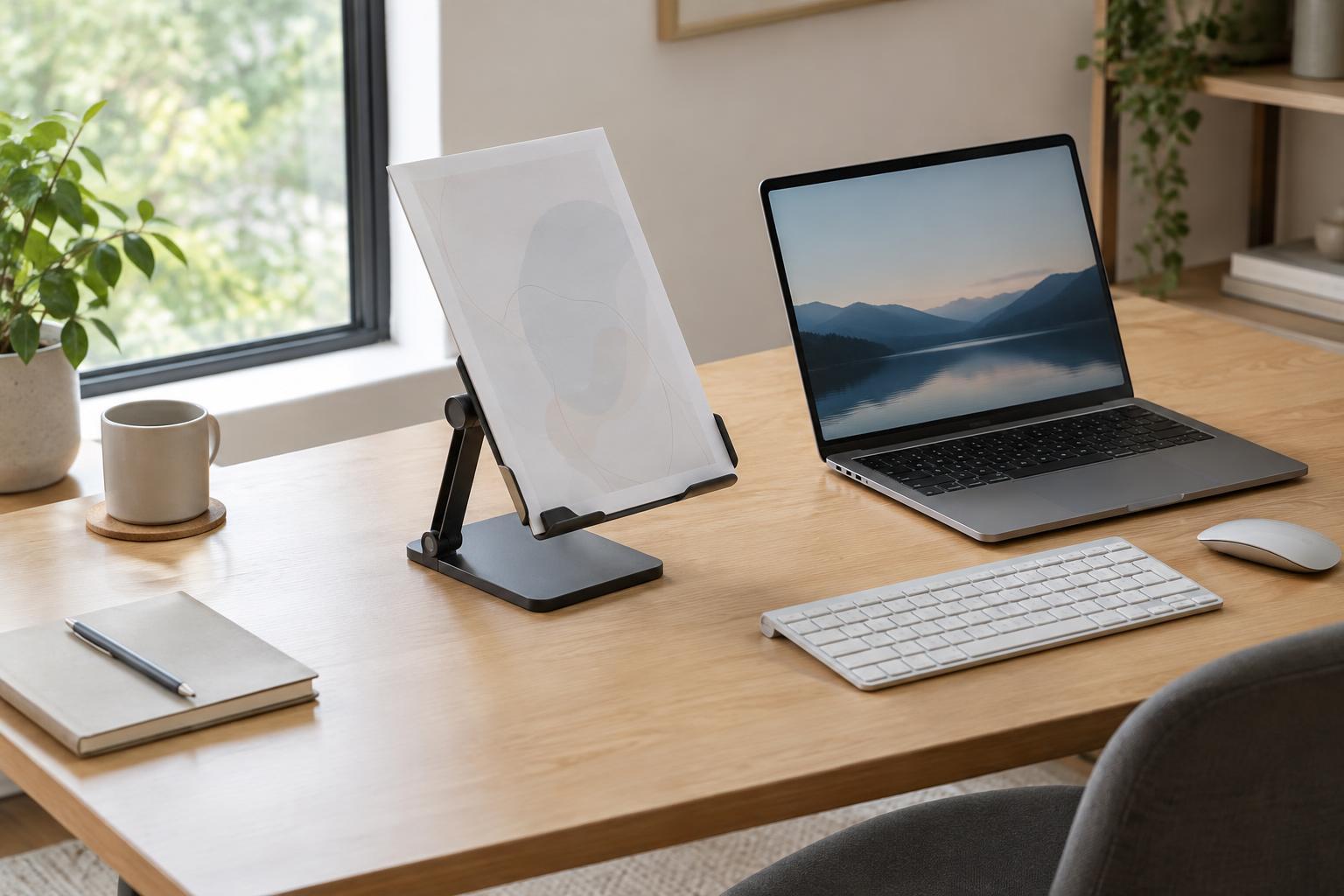
A freestanding upright holder usually sits to one side of the monitor. It leaves the space behind the keyboard open and can be easy to move, though a wide base may compete with a mouse, notebook or desk lamp. A compact clip-style holder takes up less surface area but may offer less support for large or flexible sheets. There is no universally correct side: try the position that lets you see the page without repeatedly moving other tools.
Match the support to the paper
Look beyond the stated page size and examine what actually holds the document in place. A broad back panel supports a single thin sheet, while a narrow spine or clip may allow its corners to curl. A bottom ledge should be deep enough to catch the page without covering the line you need to read. If you work from a multi-page printout, check whether the holder can accommodate its thickness and still let you turn pages easily.
A line guide can help when you are copying data from dense tables or transcribing text, provided it slides smoothly and does not hide nearby lines. For reference pages covered in notes, a simple unobstructed panel may be better. Books and notebooks introduce another challenge: their covers and bindings can pull them closed. A holder made primarily for loose paper may not keep them open without an additional clip.
Check adjustment and stability together
Angle adjustment is useful when you move between thin printouts and heavier materials, or when different people share the desk. Height adjustment can help you place the page nearer your usual line of sight. Neither feature is helpful if changing it makes the holder wobble. Test whether the hinge stays put under the weight of your normal documents and whether you can turn a page without holding the base down.
Material and construction affect how the holder behaves. A heavier base can resist tipping but is less convenient to move; a lightweight folding design is easier to put away but needs a stable footprint. Smooth edges matter where your hands handle pages. Feet or pads can keep a stand from sliding on a slick desktop, while a simple, accessible shape is easier to clear of paper dust. Think of these as trade-offs rather than signs that one material is always superior.
Try the layout before committing
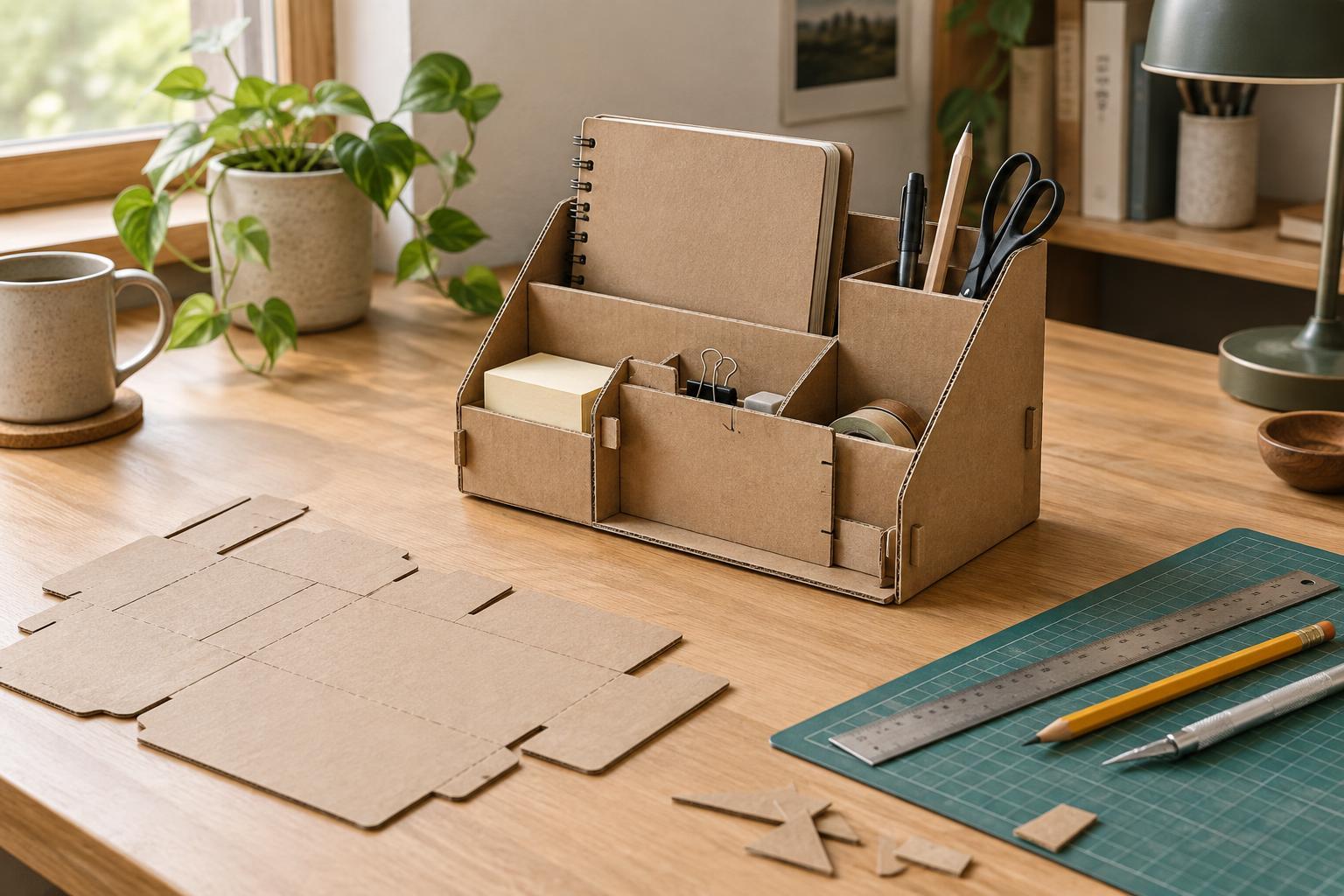
Make a quick stand-in with a book rest, a sturdy box or a clipboard propped securely against another object. Use it for a short typing task with the documents you normally read. Notice whether the page stays visible, whether you can reach the keyboard and mouse, and whether changing sheets interrupts your flow. Measure the space that worked, including the distance from the keyboard, before comparing holders.
Finally, consider what happens when the task ends. A permanent stand makes sense if you read from paper most days; a folding or easily stored holder may suit a desk used for several kinds of work. Leave room to set down a finished page so the holder does not become a pile of unsorted papers. A good document holder should make the next line easy to find and then get out of the way of everything else you do.