Start with the job the stand needs to do
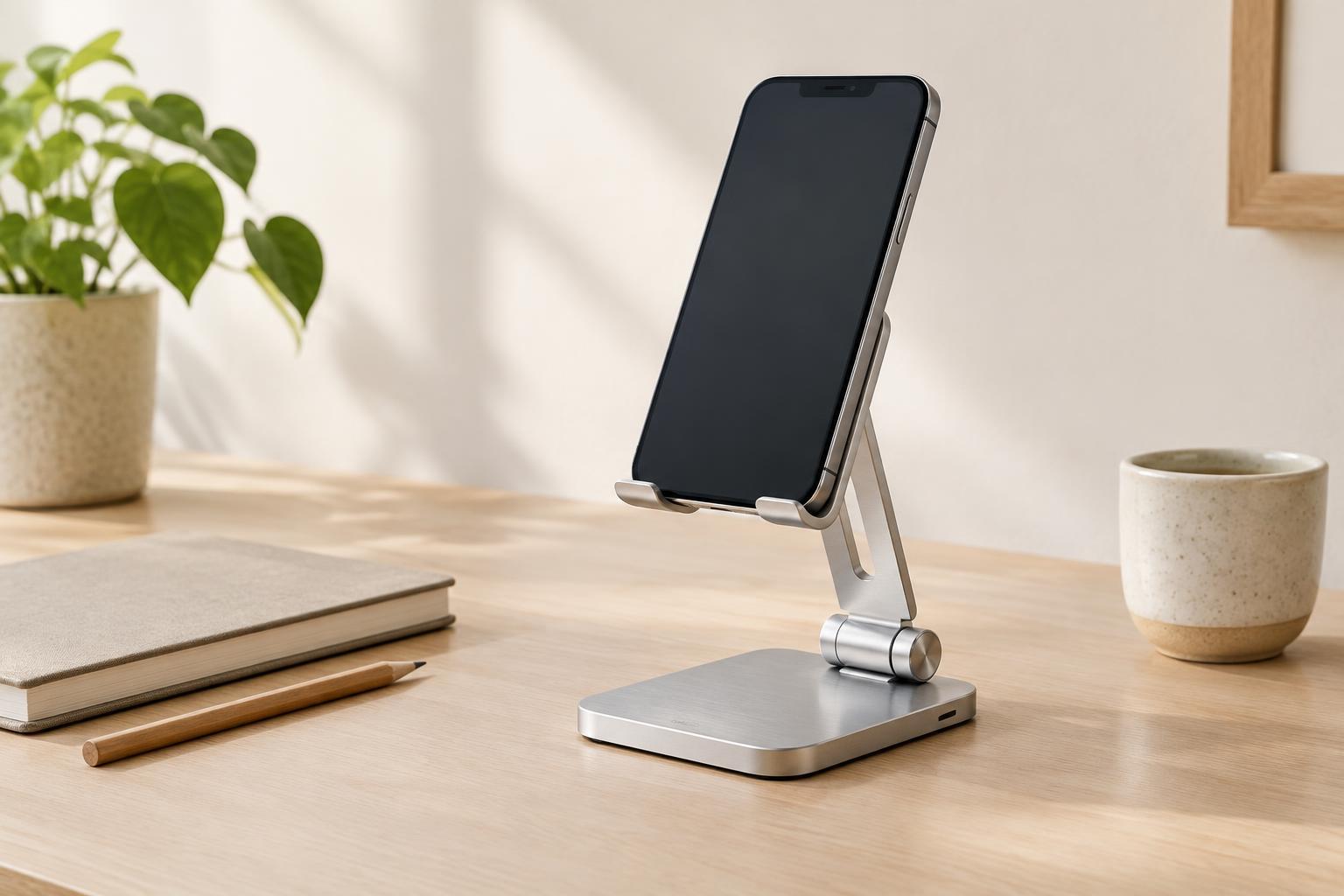
A phone stand can make a crowded desk feel more orderly, but the best choice depends on what you expect to do while the phone is in it. For video calls, you need a position that keeps the camera aimed at your face and the screen easy to see. For notifications, the phone should be visible at a glance without competing with your main work. For hands-free reading, you may care most about a comfortable viewing angle and the ability to tap or scroll without picking the phone up.
Think about where the stand will sit before looking at shapes or finishes. A stand beside a laptop serves a different purpose from one directly in front of a keyboard. If you move between rooms, a compact folding model may be more useful than a heavier desktop fixture. If it stays in one place, a larger base may be a worthwhile trade-off for steadiness.
Match the angle and height to your view
For video calls, place your phone where you would actually use it, then check the camera view. A stand that holds the phone too low may point the camera upward; one that holds it too high may crowd a monitor or block your view. Adjustable height or tilt can help, but only if the adjustment stays put once the phone is mounted. Also check whether the stand holds the phone in the orientation your calling apps and desk layout require.
A notifications stand can be simpler. A modest backward tilt often makes the screen legible from a seated position while keeping it out of the way. Consider whether you want to see every alert or merely have the phone in a predictable place. Positioning it slightly to the side may be less distracting than putting it beneath your monitor.
For reading a recipe, reference note, or long article, try the angle while sitting or standing as you normally would. A fixed-angle stand can work well if that position suits you. If you regularly switch between reading and calls, adjustable tilt becomes more valuable than an especially slim profile.
Test stability in the way you will use it
A stand can feel solid with an untouched phone and still wobble when you scroll. Check the base width, the weight of the stand, and the distance between its support points. A broad base or grippy feet can help it stay in place on a smooth desk. A folding hinge should offer enough resistance to hold your phone at the chosen angle rather than slowly sinking under its weight.
Test with your usual phone case attached, particularly if it is thick or has a grip on the back. Make sure the lower ledge supports the phone without covering an important part of the screen. If you often tap with one hand, see whether the phone tips backward or the stand slides. You do not need a stand that withstands forceful typing on the screen, but ordinary interaction should not require you to steady it with your other hand.
Materials affect the experience as well as the appearance. Metal can provide weight in a small footprint, while plastic can make a portable stand lighter. Contact pads are useful on either material: they can reduce slipping and keep hard edges from rubbing against a phone or case.
Check the small clearances
Charging access is easy to overlook. If you plug in a cable while the phone is on the stand, check that the bottom opening leaves room for both the connector and the cable to bend gently toward the desk. If you use wireless charging, do not assume an ordinary stand will accommodate it; check whether the stand and your charging setup can work together.
Look at the stand's footprint with the rest of your desk in mind. A wide base might overlap a notebook or mouse area, while a tall stand could sit awkwardly in front of a screen. For video calls, leave room to reach the phone's controls and keep the camera unobstructed. For notifications, choose a location where you can read the screen without repeatedly shifting your work aside.
Make the choice with a quick desk trial
Before buying, prop your phone safely at a few likely spots using objects you already have, and note the height and angle that work best. This will not reproduce a stand's stability, but it can reveal whether you need elevation, adjustable tilt, or simply a reliable place to set the phone. Measure the space you are willing to give up, and remember to include the phone's width in either portrait or landscape position.
Then prioritize the feature that serves your main task. Choose a steady, well-positioned view for frequent calls; a small, unobtrusive footprint for notifications; or an angle you can comfortably read and scroll at for longer sessions. A good stand is not necessarily the most adjustable one. It is the one that makes your usual interaction easier without adding another obstacle to your desk.