Start with the task, not the lamp
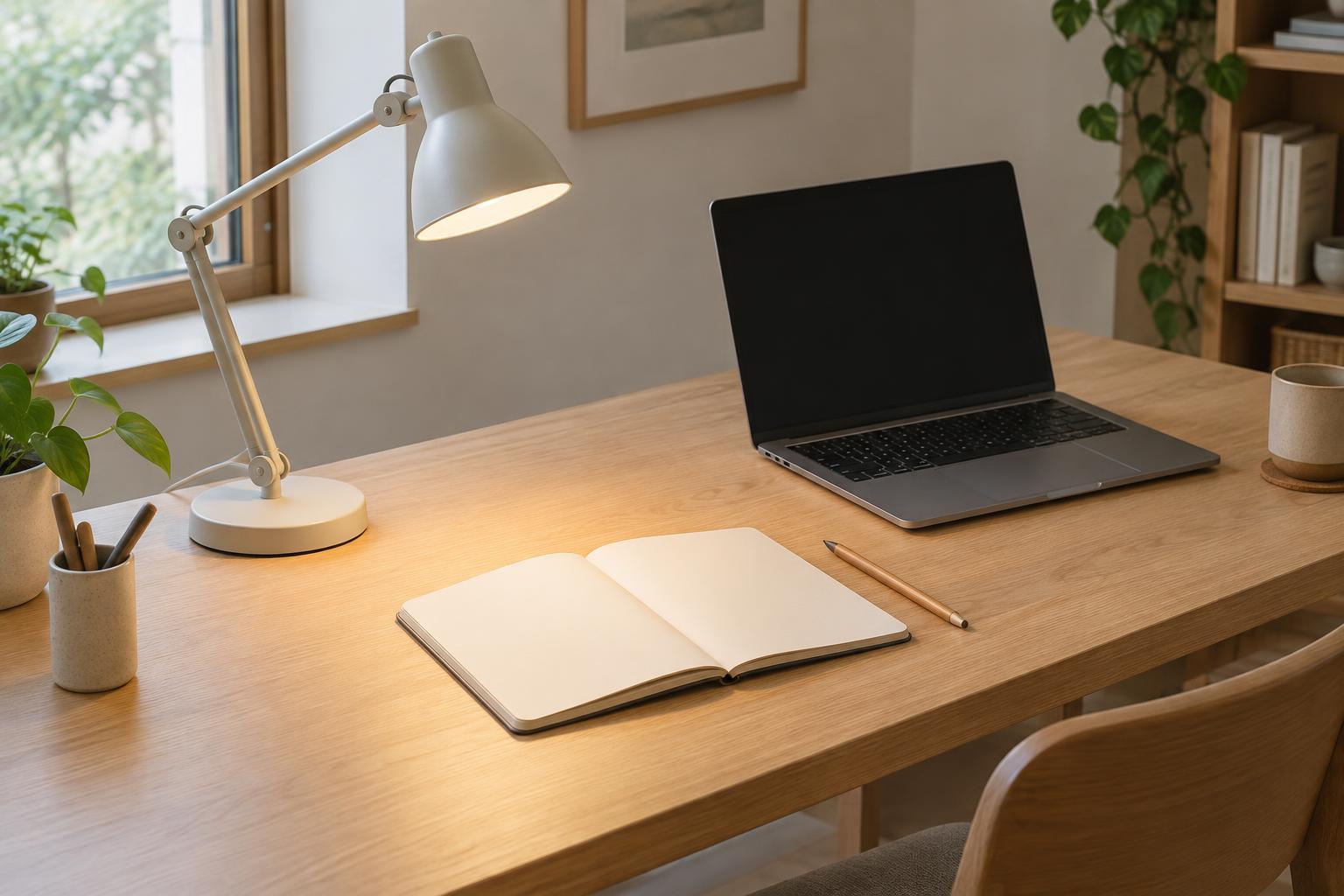
Before moving a desk lamp, decide what needs the most light. Reading a book, sketching on paper and working at a screen create different lighting problems. A pool of light centered on a notebook may be helpful for handwriting but distracting if it reflects from a monitor. Position the lamp for the task you do most often, then check whether it still works for the others.
Sit as you normally would and notice three things: where your hands cast shadows, whether you can see the bulb or another bright part of the lamp, and whether its light appears as a reflection on your work surface or screen. Make adjustments from that seated position. A lamp that looks well placed from across the room may feel quite different once you are working.
Place the lamp to the side of your working hand
For writing or drawing, a useful starting point is to place the lamp on the side opposite your working hand. If you write with your right hand, try the lamp on your left. This lets light travel across the page before it reaches your hand, so the hand is less likely to throw a shadow over the marks you are making. Reverse the arrangement if you work primarily with your left hand.
The rule is a starting point, not a fixed layout. A tall pen holder, monitor or stack of books can block the beam even when the lamp is on the expected side. Move the head until the main working area is evenly lit, then try writing a few lines. If your hand still darkens the page, shift the lamp slightly forward or raise its head rather than simply increasing brightness.
Aim light at the surface, away from your eyes
A task lamp should illuminate the desk without putting a bright bulb directly in your line of sight. Position the head above the work surface and tilt it downward. If you can see the light source while sitting normally, try raising or lowering the arm, changing the tilt, or moving the lamp farther to the side. A shade or diffuser can also make a lamp easier to position by hiding the bulb from view.
For glossy paper, polished desktops and other reflective surfaces, watch for a bright patch that follows your gaze. Moving the lamp a small distance can change where that reflection goes. Test the placement with the materials you actually use: a matte notebook and a glossy folder may behave differently in the same spot. Keep the lamp close enough to light the task, but not so close that it creates a harsh bright area surrounded by darkness.
Keep screen reflections out of the picture
When a monitor is part of the desk, aim the task lamp at the area beside it rather than at the display. A lamp placed directly behind you or pointed toward the screen can show up as a distracting reflection. With the screen on, look for the lamp’s bright shape, then adjust the lamp head or move its base until the reflection disappears from your usual viewing position.
Try lighting papers or a keyboard without making them dramatically brighter than everything around the monitor. If your lamp has a dimmer, start low and increase the light until the desk task is clear. If it does not, changing the lamp’s distance or adding softer room light may help balance the view. For a desk shared by screen and paper work, an adjustable arm makes it easier to redirect light as you switch tasks.
Make a quick check part of the setup
Once you find a promising position, test it with ordinary movements. Lean back, turn a page, move a notebook and reach for the keyboard. A good setup should not depend on holding your head or hands in one exact place. Check that the lamp arm stays clear of your reach and that its base leaves enough usable space on the desk.
Finally, look at the desk in the conditions in which you usually use it. Daylight through a window can change the shadows and reflections that a lamp produces, so an evening arrangement may need a small adjustment during the day. The goal is not a perfectly shadow-free surface. It is light that helps you see your work without drawing attention to the lamp itself.