Give every new paper one landing place
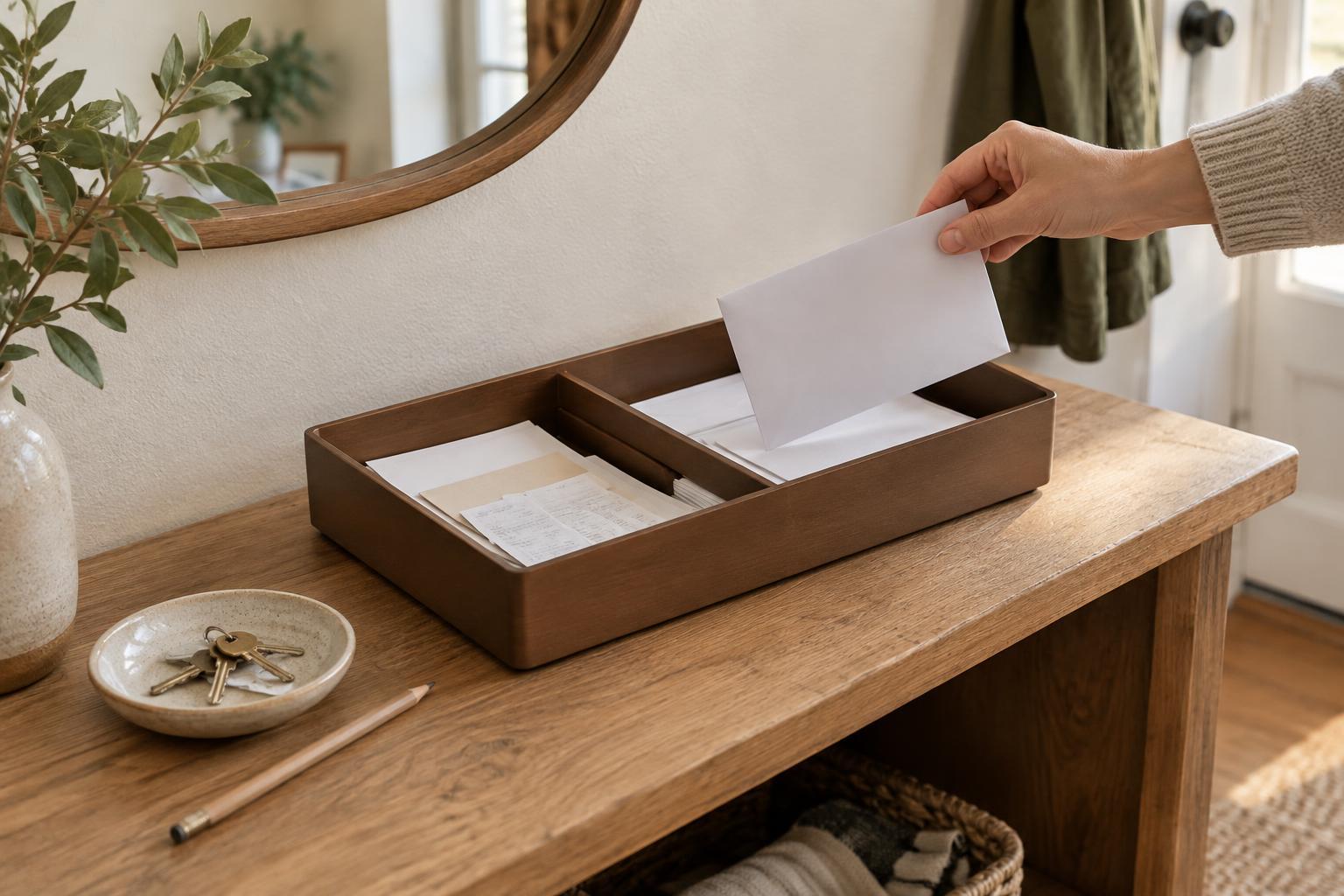
Loose paper tends to disappear when it can land anywhere: beside the keyboard, under a notebook or in a bag that never gets emptied. Start by choosing one letter tray as the landing place for incoming paper. Put it where you naturally unload mail, bring papers home or finish printing. If paper enters your space in several places, carry it to that tray before you do anything else.
The landing tray is not a filing system. Its job is to hold unprocessed paper until you can look at each sheet. Mark it “New” or “Inbox” so its purpose stays clear. Avoid putting stationery, blank forms or reference material in it. A tray containing only arrivals makes it easier to notice when something needs attention.
Sort by the next step, not by the kind of paper
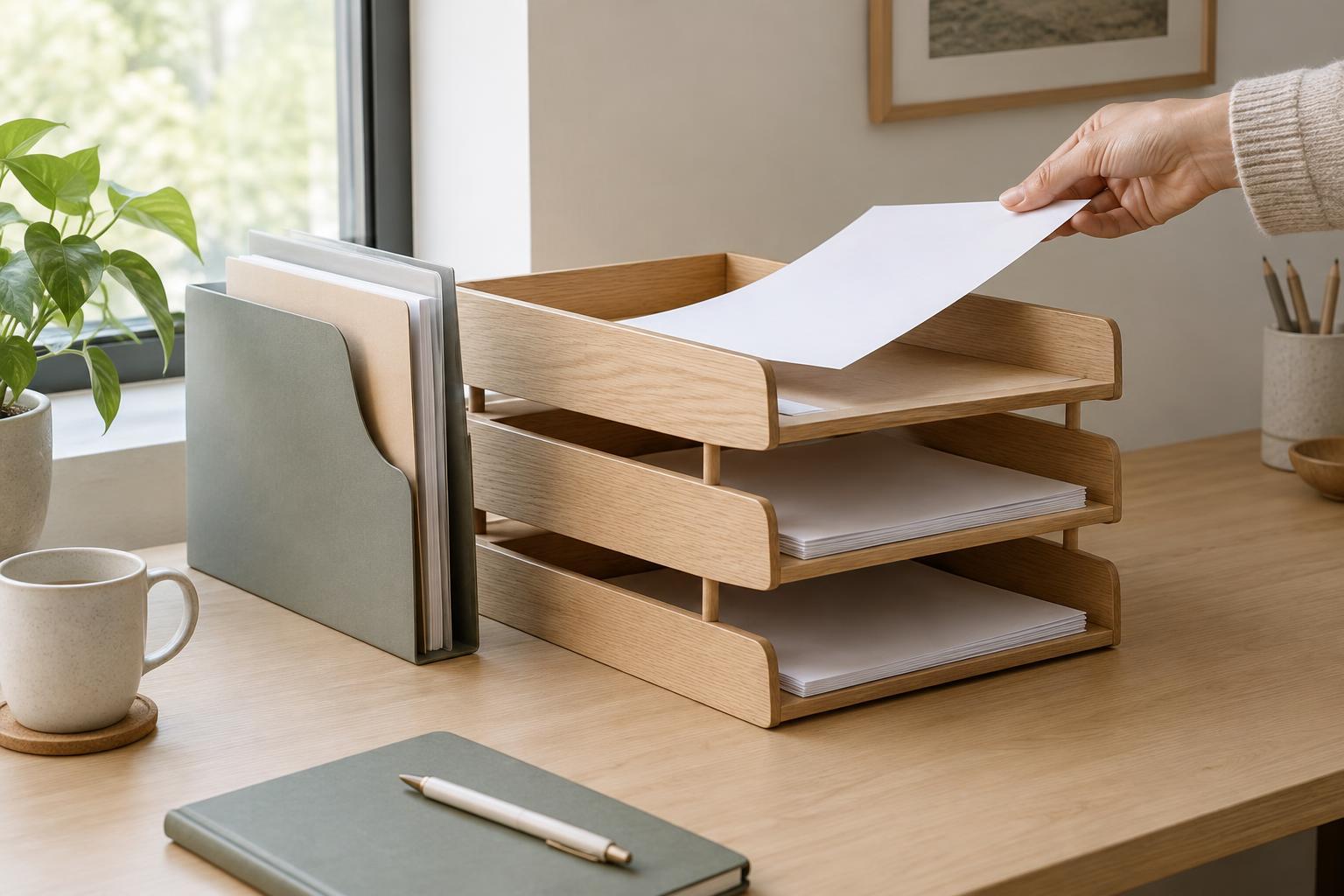
A stack labeled “Mail” tells you where a page came from, but not what to do with it. A more useful setup has a small number of destinations based on what happens next. For many desks, “Action” and “Waiting” are enough alongside the incoming tray. Action holds papers that require a task, such as filling out a form or reading a notice. Waiting holds papers connected to something already sent, ordered or requested, where you expect a response.
Keep the meanings distinct. If you have not taken the first step, the paper belongs in Action. If you have taken that step and need to check the outcome, it belongs in Waiting. You can put a brief note on the page stating what you are waiting for. Resist adding a tray for every topic: when the choices become hard to remember, papers are more likely to be set down outside the system.
Protect papers that cannot be replaced easily
Some documents deserve more than a place in an open tray. Before sorting, notice anything that may be difficult to replace, needed as an original or sensitive to leave in view. Move those papers to an appropriate folder or secure storage location, and leave a clearly labeled reminder in the Action tray if there is still work to do. That way, the task remains visible without leaving the document exposed or buried.
For ordinary action papers, a folder within the tray can help keep related pages together. Label it with the task rather than a broad subject: “Return completed form” is easier to act on than “Forms.” If several sheets belong together, fasten them or place them in one folder before they enter the tray. This small step prevents an attachment from drifting to the bottom of a different pile.
Make a short review part of the system
Trays prevent loss only when their contents move. Choose a regular moment to empty the New tray, such as the end of a workday or a set time each week. Handle each item once long enough to decide its destination: discard what you do not need, file reference material where you would look for it later, or place a task in Action or Waiting. You do not have to complete every task during this review; you do need to make the next step clear.
Then scan Action and Waiting. Look for papers that have slipped out of sight beneath newer ones. Move urgent tasks to a task list or calendar rather than relying on a physical stack to remind you at the right moment. Once a task is finished, remove its paper from the tray and file or discard it as appropriate. An emptying routine matters more than a perfectly tidy arrangement.
Keep the trays easy to use
Place trays where you can read their labels and reach them without shifting other objects. Leave enough room to lift out a sheet without bending it. If a tray regularly overflows, do not assume you need another tray. First check whether the review routine is frequent enough, whether finished papers are being removed, and whether reference material has been left among active work.
The best letter tray setup is one you can understand at a glance. New papers have one place to land, active papers show what happens next, and important originals have a safer home. With those boundaries in place, a modest desk accessory becomes a useful handoff between receiving a document and dealing with it.