Start with the work, not the accessories
A clear desk does not have to be an empty desk. The aim is to keep the tools you use close while preserving enough space for the work itself. Before buying an organizer or moving everything into a drawer, notice what happens during an ordinary session. Do you need room to open a notebook beside your keyboard? Do you regularly spread out paper, or is the surface mainly for a laptop and mouse? The answer determines how much space your accessories can occupy.
Clear the surface briefly, then put back only what you reach for several times during a typical day. A pen, a notepad and a pair of headphones may earn a permanent place; spare pens, extra charging cables and occasional tools may not. If an item rarely leaves its spot, ask whether it needs to live on the desktop at all. This quick sort makes the next decisions easier because you are arranging the things you use, not simply finding a container for everything you own.
Give the nearest space to the quickest tasks
Think of the desk in reach zones. The center is for the task in progress: typing, writing, drawing or reading. Just outside that area is a good place for tools you pick up and put down often. Less frequent items can sit farther back, in a drawer or on a nearby shelf. You should be able to reach an everyday tool without standing up, but it does not need to sit directly in front of you.
Place accessories according to how you use them together. A pen next to a notepad is more useful than a pen across the desk in an elaborate holder. Keep a charging cable near the device it serves, with enough slack to use it comfortably. If you switch between writing and computer work, try a small movable tray: it can bring the relevant tools close for one task and slide aside for the next. The best position is one that works with your movements, not one that looks perfectly symmetrical.
Use containers to set limits
A container helps most when it gives a small group of objects a clear boundary. A shallow dish can hold clips and a USB drive; a cup can hold the few pens you prefer. The container should make things easier to pick up, not become a place where unrelated items accumulate. If you have to rummage through it, it is probably holding too much.
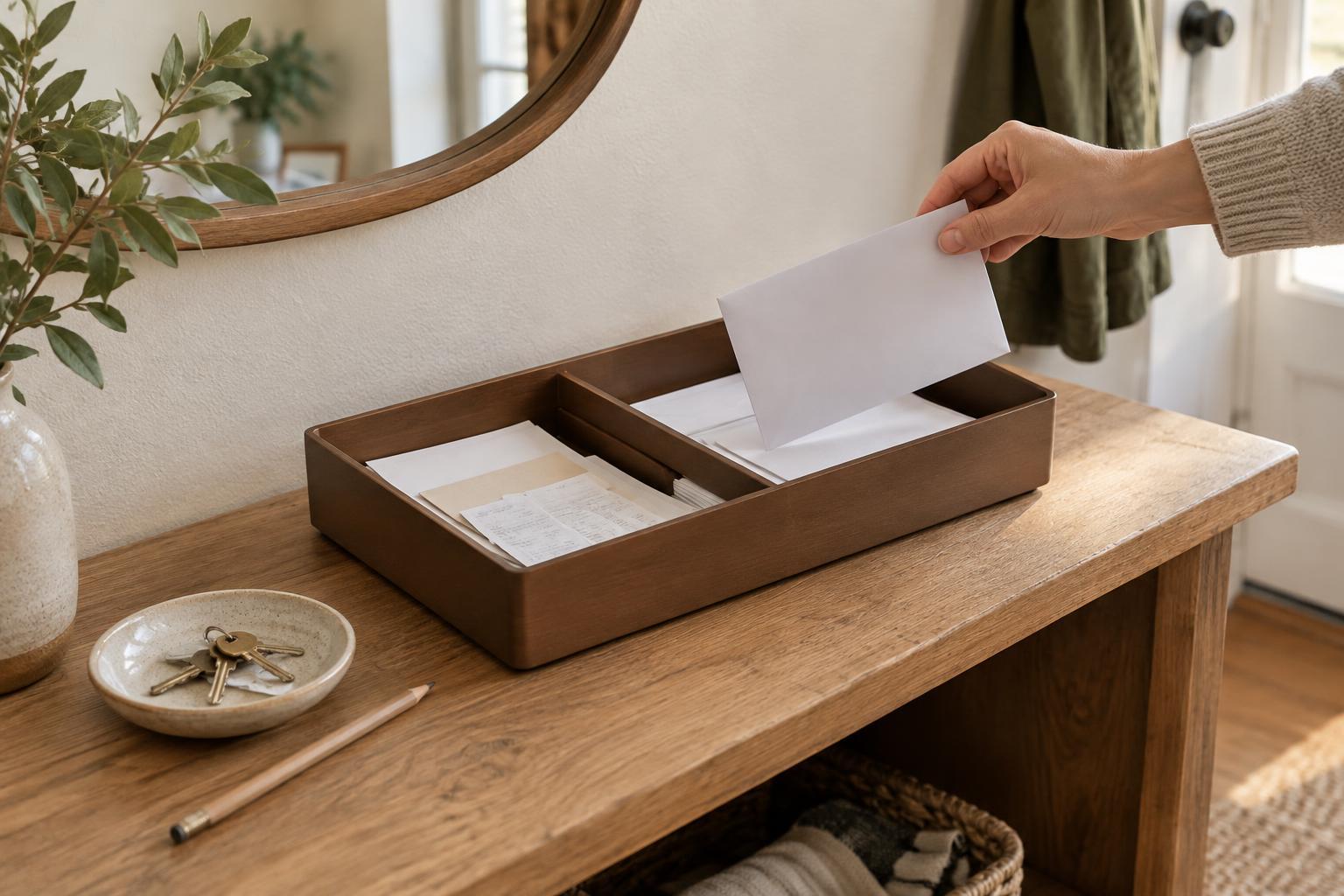
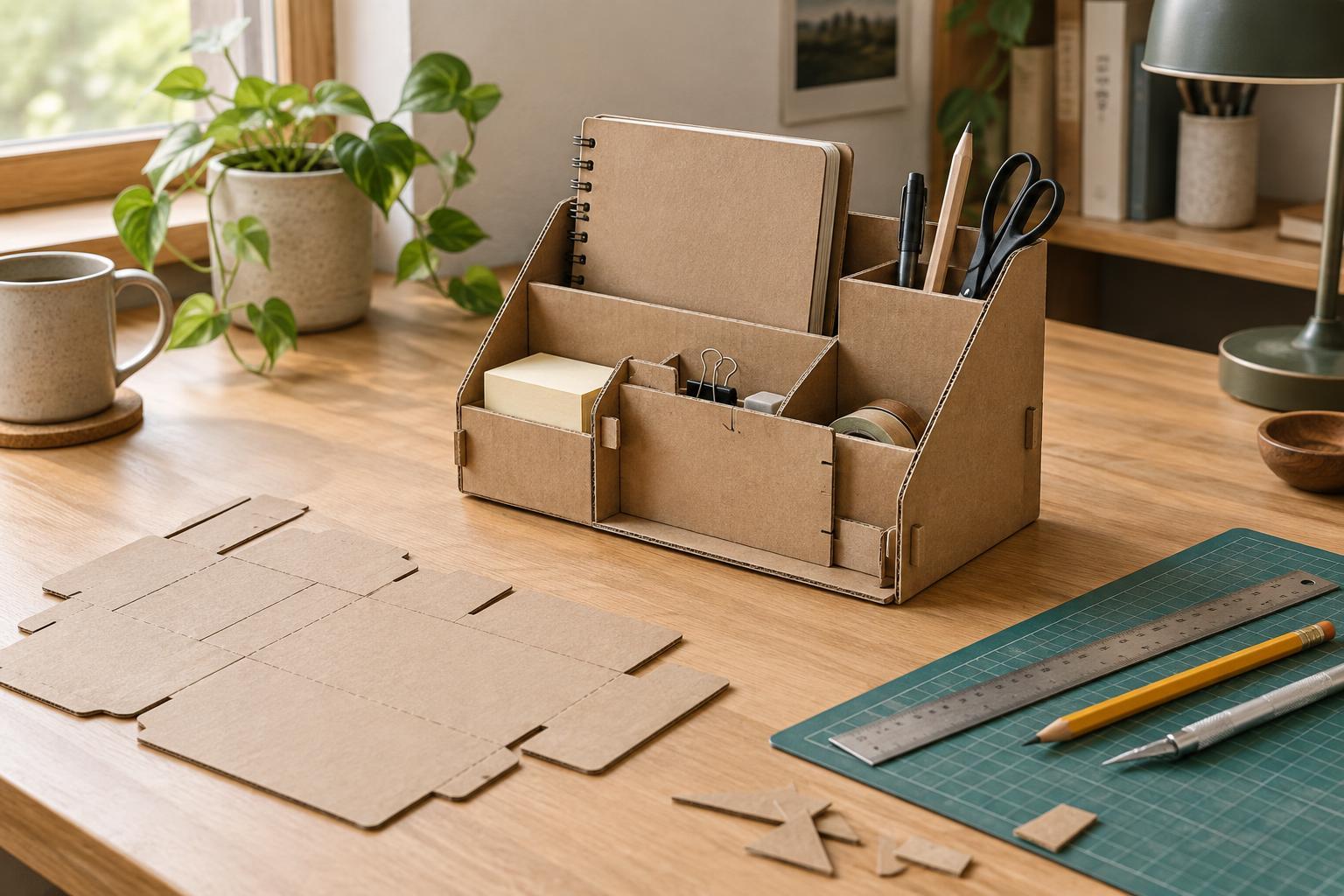
Choose the footprint before choosing the object. A slim pen holder at the back edge may take less useful space than a broad desktop caddy. A drawer divider can keep backup supplies accessible without putting them in view. For loose items that travel between rooms, a tray with low sides can be more practical than several fixed holders. Try using a box or dish you already have for a week before deciding whether a purpose-made organizer would solve a real problem.
Protect a patch of open surface
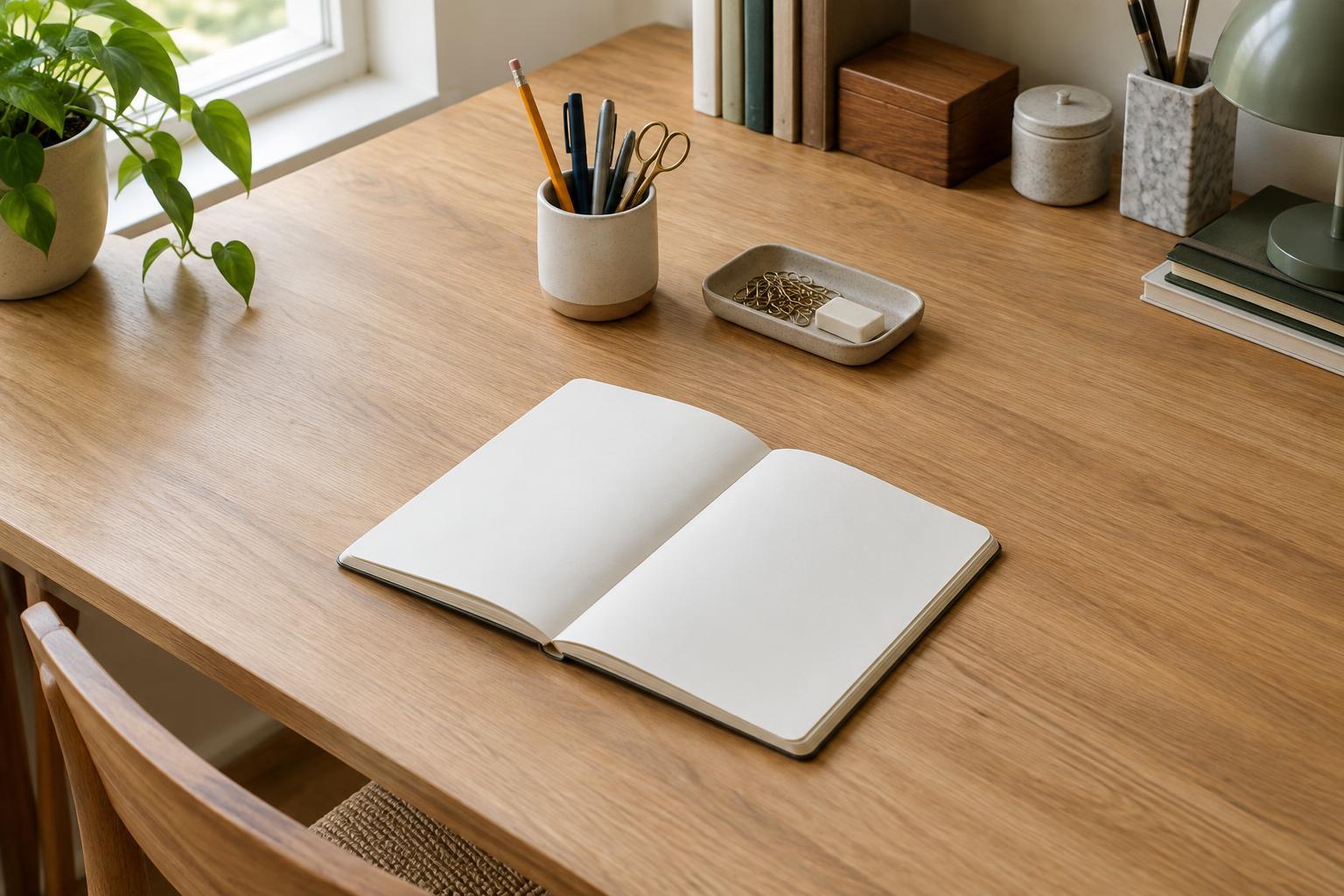
Open space is not wasted space. It is where you can set down a book, sign a page or unpack something without first moving a cluster of accessories. Pick a patch of desktop to keep available, ideally next to the area where you do those tasks. Its size will depend on your desk and your work, but it should be large enough to use without rearranging everything around it.
Move items off the surface selectively. A shelf or wall-mounted rail may help on a small desk, provided it is secure and does not make frequently used tools awkward to reach. A hook beside the desk can give headphones a home. Cable clips can keep a charging lead from falling behind the desk while leaving most of its length out of the way. Avoid adding storage just because there is room for it; each new holder also introduces another place to leave things.
Make the arrangement easy to maintain
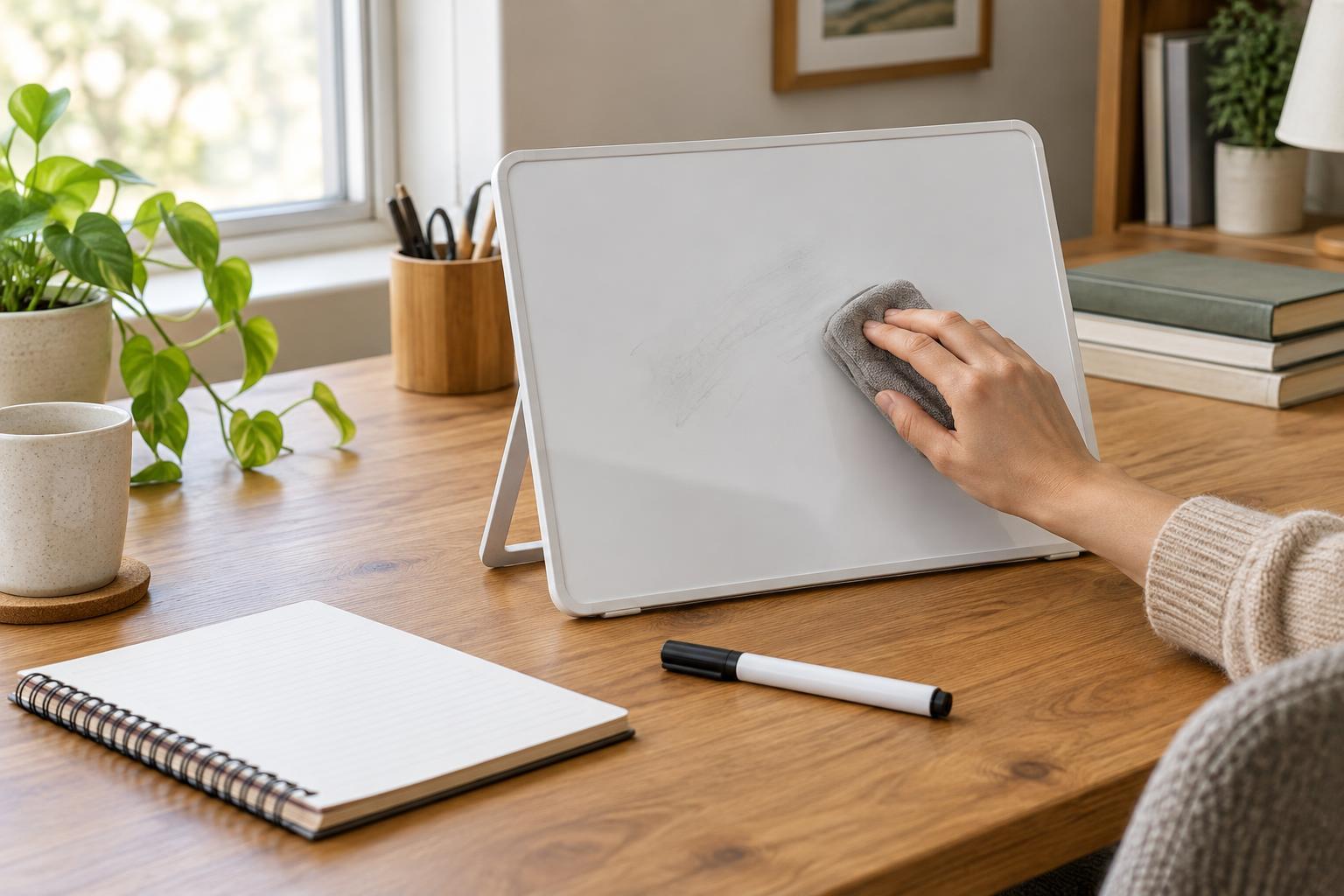
Even a thoughtful layout changes as projects change. At the end of a work session, return the few everyday tools to their places and move temporary materials off the main surface. This need not be a thorough cleanup. A brief reset makes it obvious when something no longer has a useful home.
After several days, look for friction. If you repeatedly leave a notebook in the same open spot, that may be its natural home. If you keep reaching past a holder to get to something else, move the holder. If the desk fills up despite regular resets, reduce what lives on top before adding more storage. Keeping accessories within reach is less about fitting in as many as possible and more about making the next task easy to begin.