A control should answer your hand
Press a button that moves without any noticeable change, and you may press it again just to be sure. Turn a dial that offers gentle resistance and a small stop at each setting, and you can often tell where you are without looking. This information, delivered through touch and movement, is physical feedback. It helps answer three practical questions: Can I operate this control? Did it move as intended? Where did it end up?
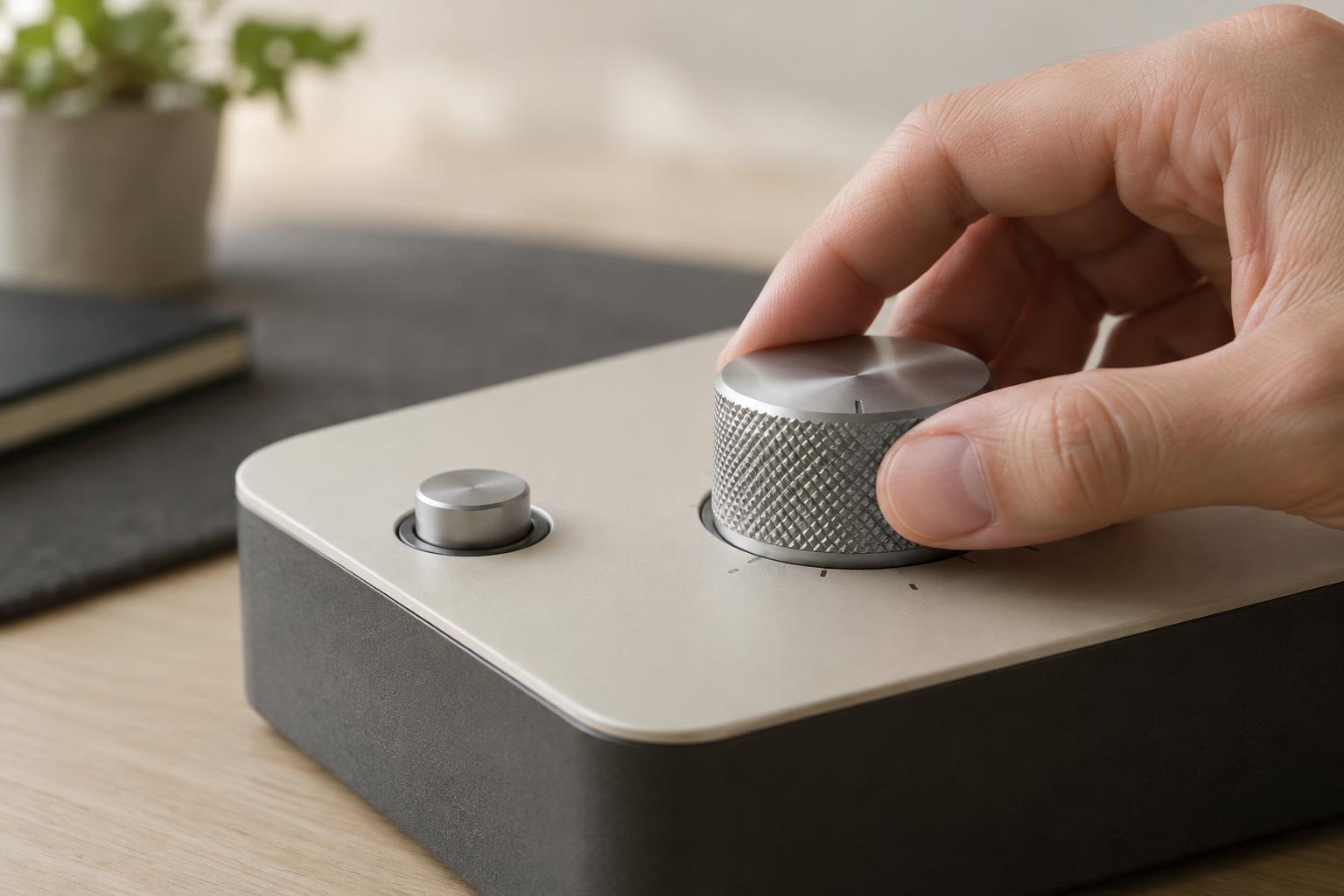
Feedback begins before a click. The shape and position of a control suggest how to use it: a raised button invites a press, while a ridged knob invites a turn. As your hand moves it, resistance can communicate the effort required or the range available. A change in feel then marks a meaningful point, such as a switch settling into one of two positions. Good product design makes these cues consistent with the action rather than adding sensation for its own sake.
What a click can—and cannot—confirm
A click is a brief change in force, sometimes accompanied by sound. On a mechanical switch, it may occur as parts pass a threshold and settle into a new position. On another product, a button may be designed to click even though an electronic sensor registers the input. In both cases, the sensation tells your finger that something changed at the control.
That is not always the same as confirming the intended result. A key can click when pressed even if a device is off. A washing machine button can feel responsive while the machine waits for a separate condition before starting. Designers can reduce this ambiguity by pairing the physical cue with feedback about the outcome: a clearly changed switch position, a visible indicator, or a display that updates promptly. The tactile cue confirms the gesture; the other cue confirms what the product did.
The distinction matters most when a task has consequences or a delay. If a control takes several seconds to produce an effect, an immediate click reassures the user that the press was registered, while a separate status cue can show that the task is underway. Without that second message, repeated presses become tempting and may cause confusion.
Resistance gives a control a map
Resistance is useful when it changes in a predictable way. A knob with distinct detents—small resting points along its rotation—can help someone select among discrete settings. A slider that moves smoothly may better suggest a continuous range. A firm end stop communicates that there is no further adjustment. These choices give a control a tactile map that can be learned through use.
The amount of force also shapes the experience. A control that is too easy to move may shift accidentally in a pocket, bag, or crowded workspace. One that is too stiff may be difficult to operate, especially with wet hands or limited grip strength. More resistance does not automatically make an object feel better made; it should suit the size of the control, the action being taken, and the people expected to use it.
Texture can help a hand maintain contact, but it serves a different purpose from a detent. Ridges on a dial improve grip; they do not necessarily indicate settings. When evaluating a product, try using the control slowly and without looking. Can you find its starting point, notice each meaningful change, and recognize its limits? If not, the visual markings may be doing all the work.
Designing for a clear conversation
Physical feedback is most effective when it matches the control’s behavior. A two-position switch should feel settled in either position, not balanced uneasily between them. A button intended for frequent use should give a recognizable response without demanding excessive force. A rotary selector should make its resting points correspond to its labeled choices. When feel and function disagree, the user has to stop and check.
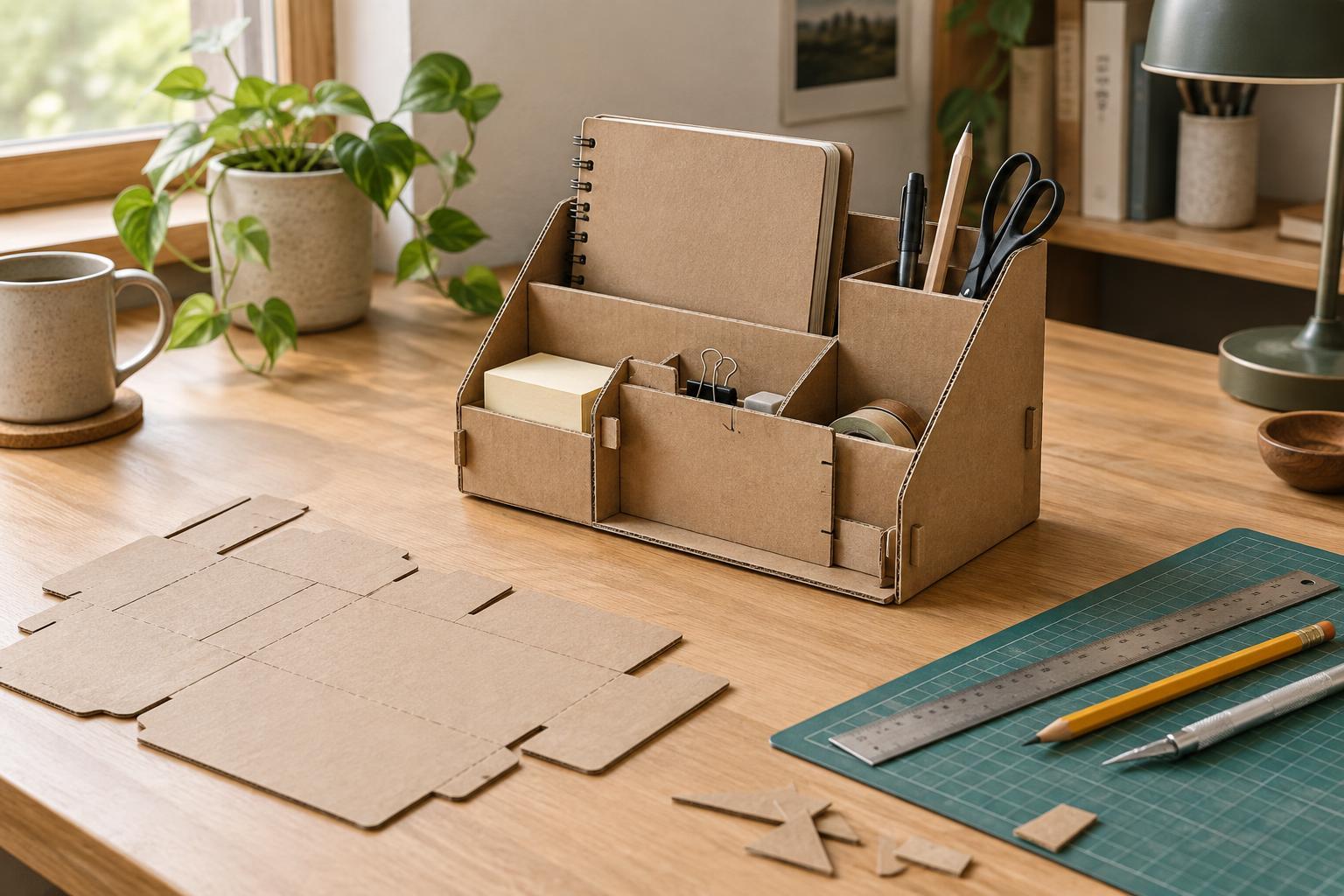
For a hands-on project, even a simple cardboard mock-up can reveal useful questions. Mark the intended positions of a slider, try different handle sizes, and ask someone else to operate it without explanation. Watch for hesitations: Do they know which way it moves? Do they stop at the intended point? You need not reproduce a finished mechanism to learn whether the control’s shape and travel make sense.
Touch should not be the only channel of information. Some people may not perceive a faint click, and a control may need to be used while wearing gloves or in a noisy room. Clear labels, visible position changes, and understandable status indicators can work alongside physical cues. The aim is not to make every interaction dramatic. It is to make a small exchange dependable: the hand acts, the object responds, and the person knows what happened.