Intuitive means less guessing
Consider a kitchen drawer with a long horizontal handle. You can see where to place your fingers, and the handle’s position suggests a pull. Now imagine the same drawer with a small, flat circle fixed to its front. Is it a button, a lock, or a grip? The drawer has not become mechanically complicated, but the first step has become less clear.
A product feels intuitive when its form helps someone work out what to do without much trial and error. That does not mean every person will use it in exactly the same way. Familiarity, physical ability, lighting, and the situation all affect what seems obvious. Good design reduces unnecessary uncertainty rather than assuming that everyone already knows the answer.
Affordances are possibilities; cues point to them
An affordance is an action an object makes possible. A handle can be grasped; a flat surface can hold a cup; a hinge lets a lid rotate. A visual cue, often called a signifier, helps someone notice an action and locate where to perform it. A recess beneath a lid, for example, suggests where to lift even if the lid could also be pried open elsewhere.
The distinction matters because an action can be possible but difficult to discover. A cabinet door may open when pressed, yet a perfectly smooth front offers little indication of where to press. Conversely, a feature can suggest an action that does not work: a decorative groove might look like a finger pull but provide no grip.
Shape, contrast, texture, and placement can all serve as cues. A raised switch stands out from a flat panel. A rough patch marks a place for a thumb. A handle aligned with the moving part helps connect the cue to the result. These details are most useful when they reinforce the object’s real behavior instead of merely decorating it.
Make the action and result match
Intuitive products also benefit from clear mapping: the relationship between a control and what it changes. On a desk lamp with one adjustable head and one switch beneath it, the connection is easy to infer. On a power strip with several switches placed far from the sockets they control, that relationship may take more effort to learn. Grouping related parts or aligning controls with their effects can help.
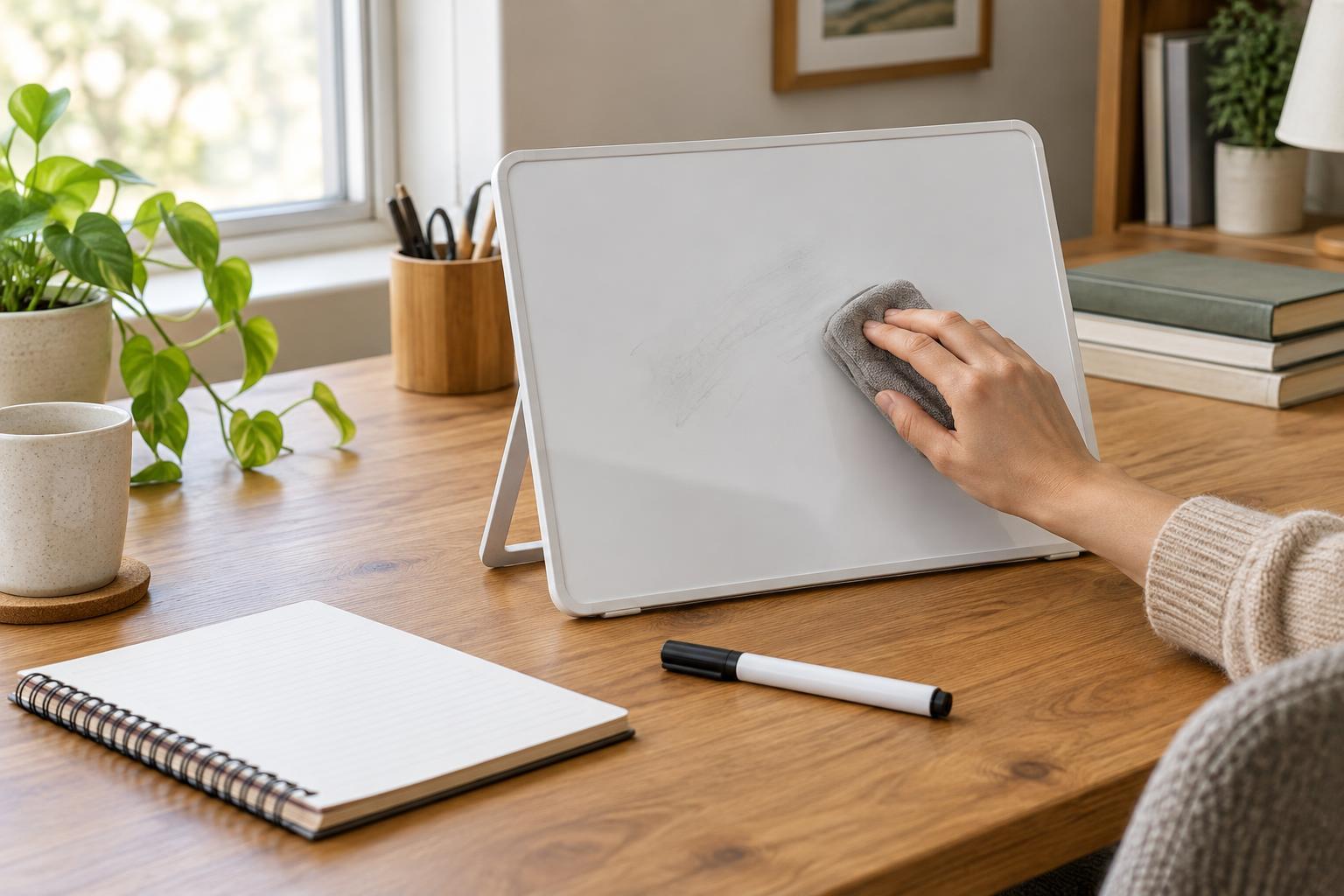
Feedback completes the exchange. A switch that settles into a distinct position tells you that it has moved. A storage lid that seats firmly lets you know it is closed. Feedback need not be electronic or loud; a visible change, a gentle click, or a change in resistance may be enough. Without it, people may repeat an action because they cannot tell whether it worked.
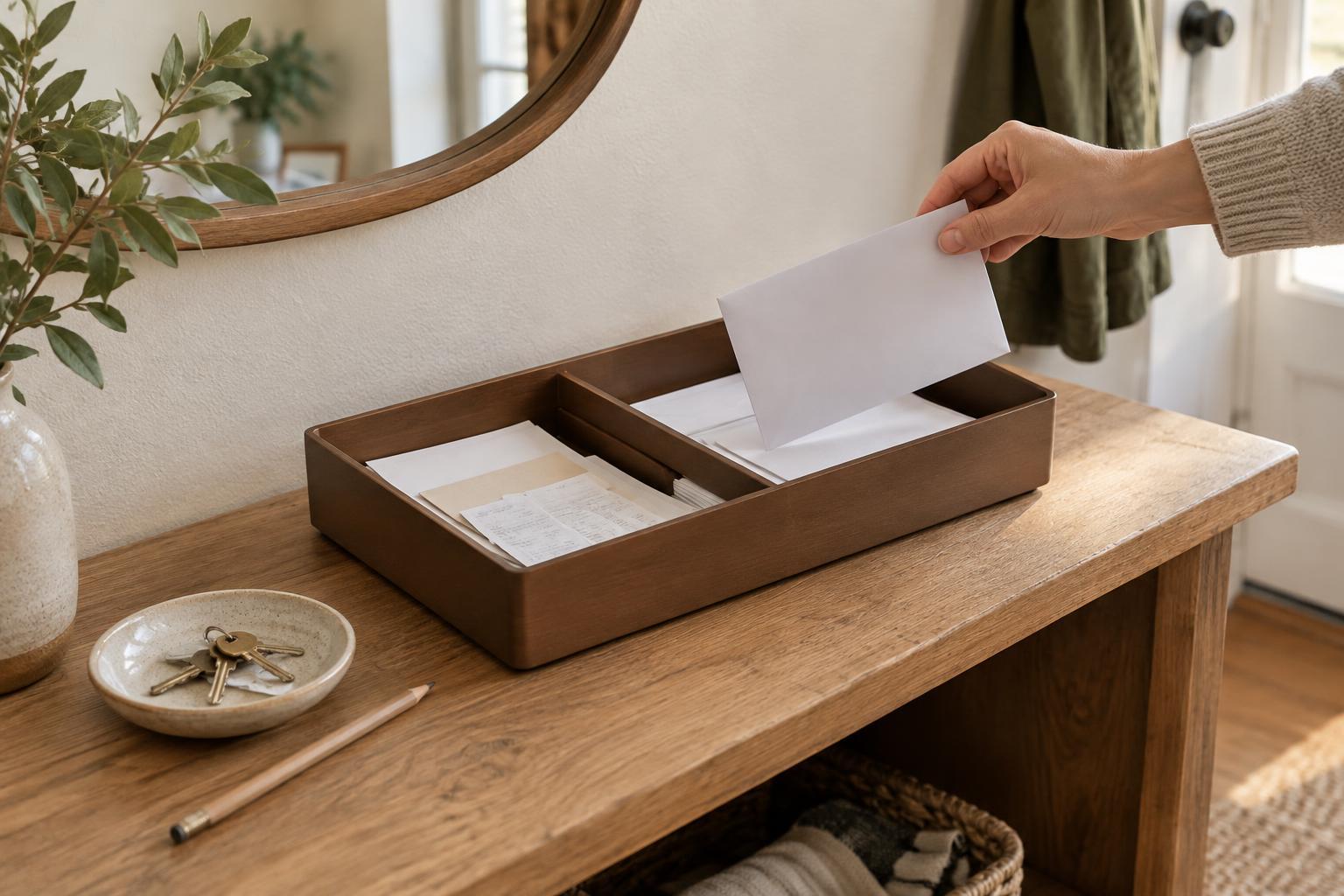
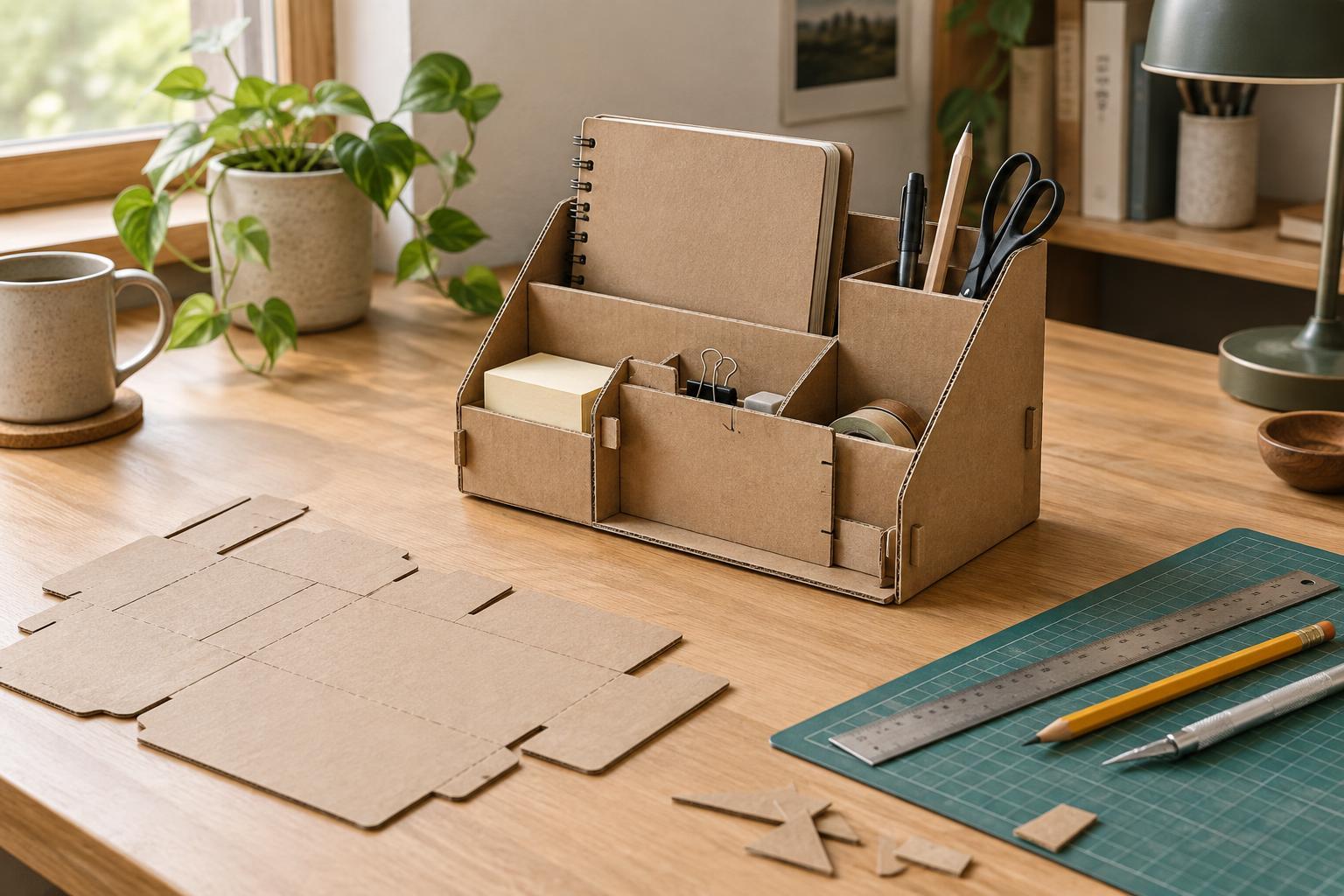
Constraints can prevent mistakes before feedback is needed. A tray with compartments sized for particular tools suggests where each one belongs. A connector shaped to fit in only the intended orientation limits incorrect insertion. Constraints work best when they guide naturally, not when they force someone to struggle against an unexplained obstruction.
Familiarity helps, but it has limits
Designers often borrow conventions from objects people already know. A protruding knob suggests turning; a tab along an edge suggests lifting or pulling. Such conventions can make a new object approachable, especially when its function resembles an older one. But familiarity is not universal. A control learned through one kind of appliance, workplace, or household may not carry the same meaning for someone else.
Cues should therefore do more than rely on memory. A clearly shaped grip is useful even if someone has never seen that model of container. A label can clarify a control whose effect is otherwise hidden, while contrast can make its location easier to spot. It is also worth checking whether an object remains understandable by touch or when viewed from an unusual angle. No single cue will work in every setting, so complementary cues are often stronger than one subtle hint.
A simple way to assess an object
Pick an everyday object, such as a stapler, soap dispenser, or reusable food container, and pause before using it. What do you notice first? Can you identify the part you should touch, the direction it should move, and the result to expect? Then use it once and ask whether the object confirmed that the action succeeded. This short exercise separates what the object actually permits from what its appearance communicates.
If a step causes hesitation, look for a small improvement rather than an elaborate redesign. A clearer grip, a better-placed control, a more visible edge, or a distinct resting position may solve the problem. The goal is not to make every object explain itself with labels. It is to make useful actions easier to find, perform, and verify, so attention can stay on the task rather than on deciphering the product.